THE PROBLEM
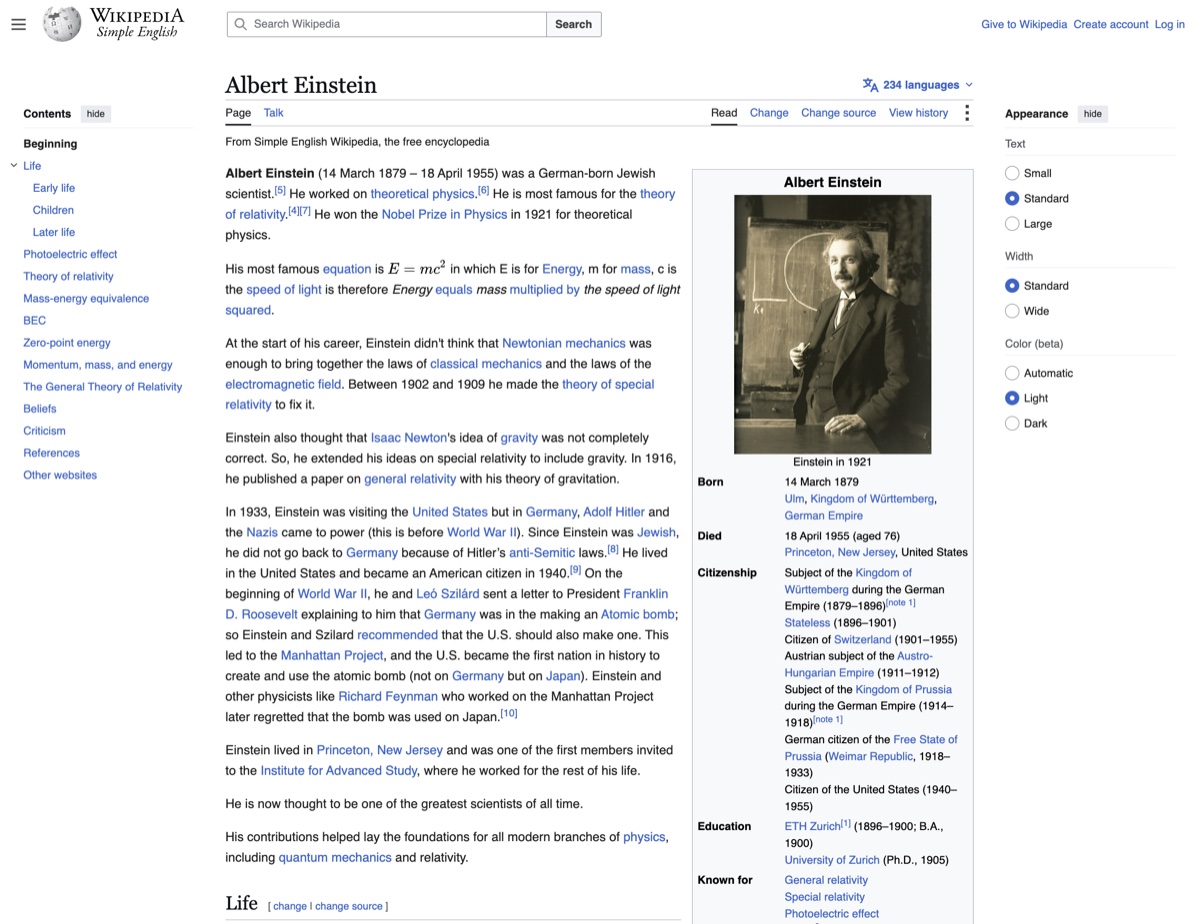
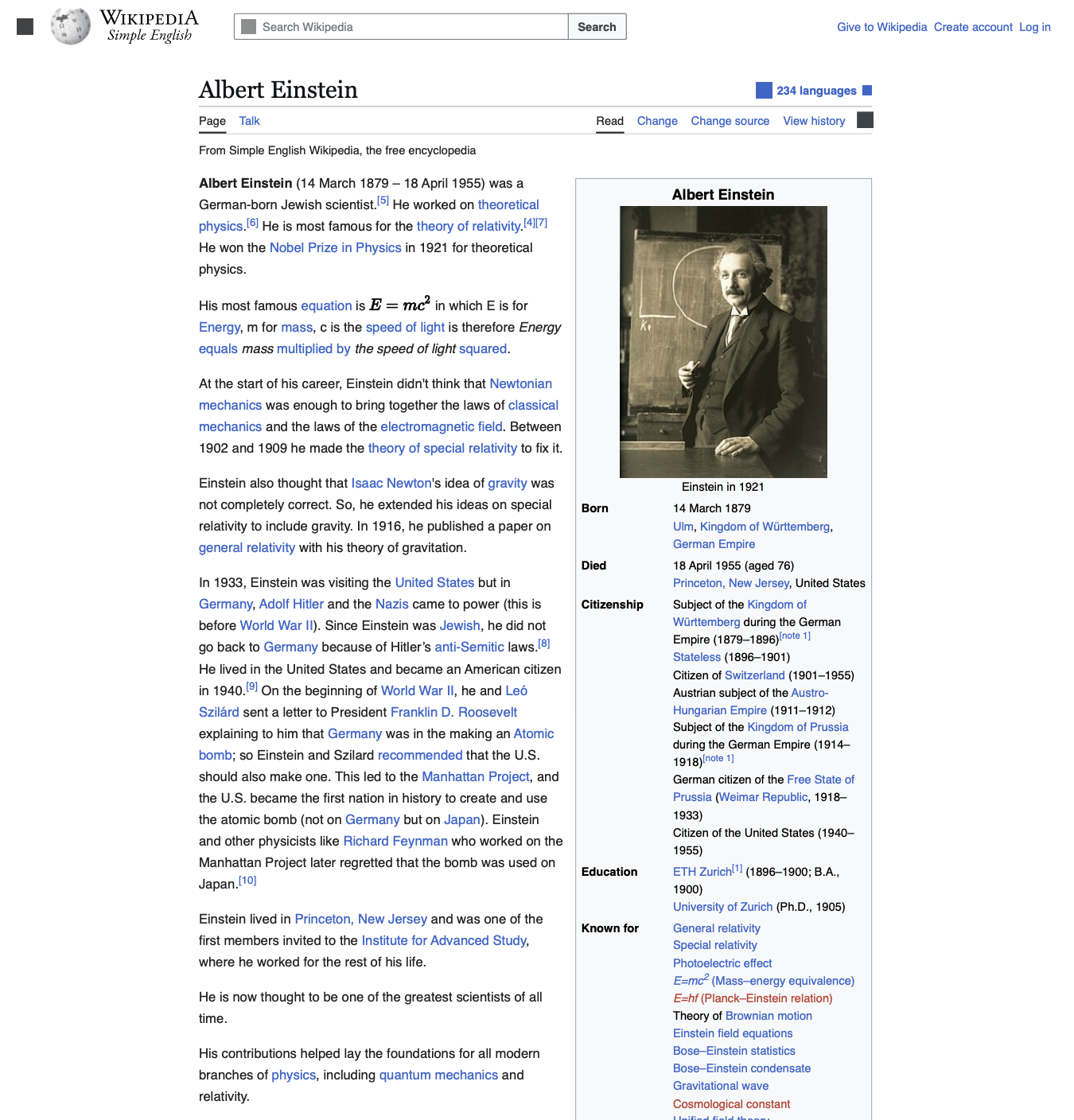
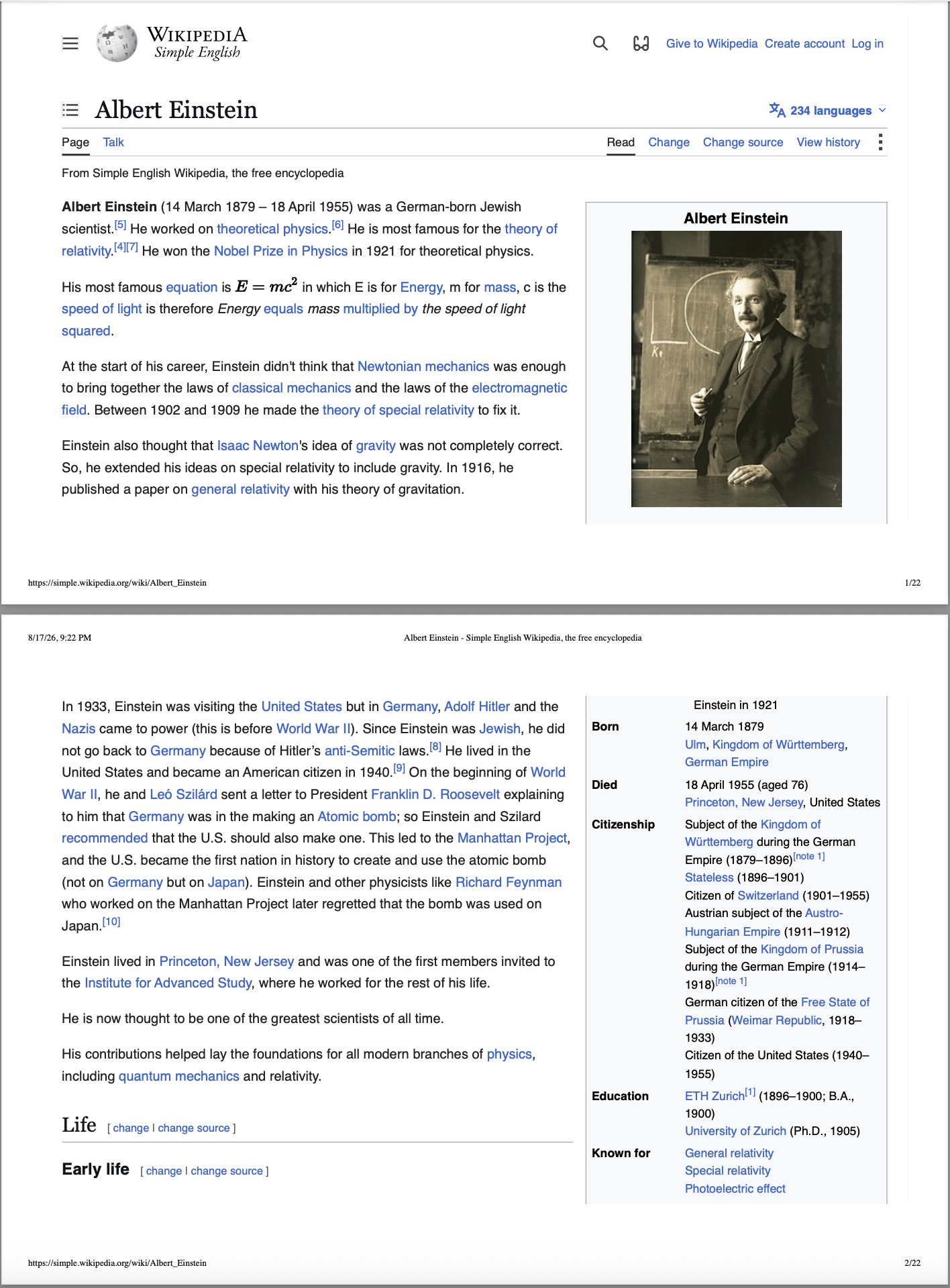
My PDF is split into multiple pages when I need the whole page in one piece.
Save the full page as one continuous PDF.
CHROME EXTENSION
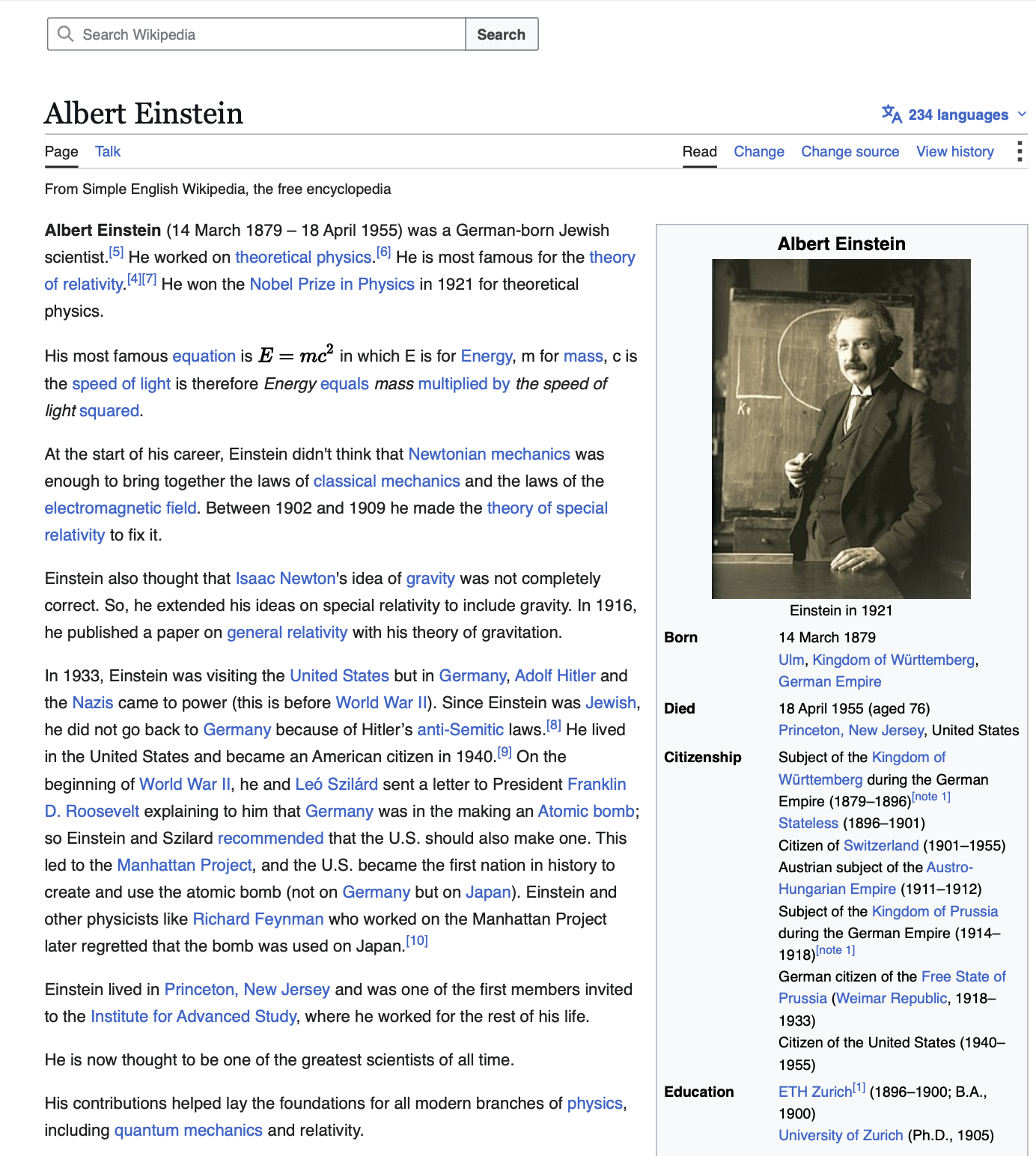
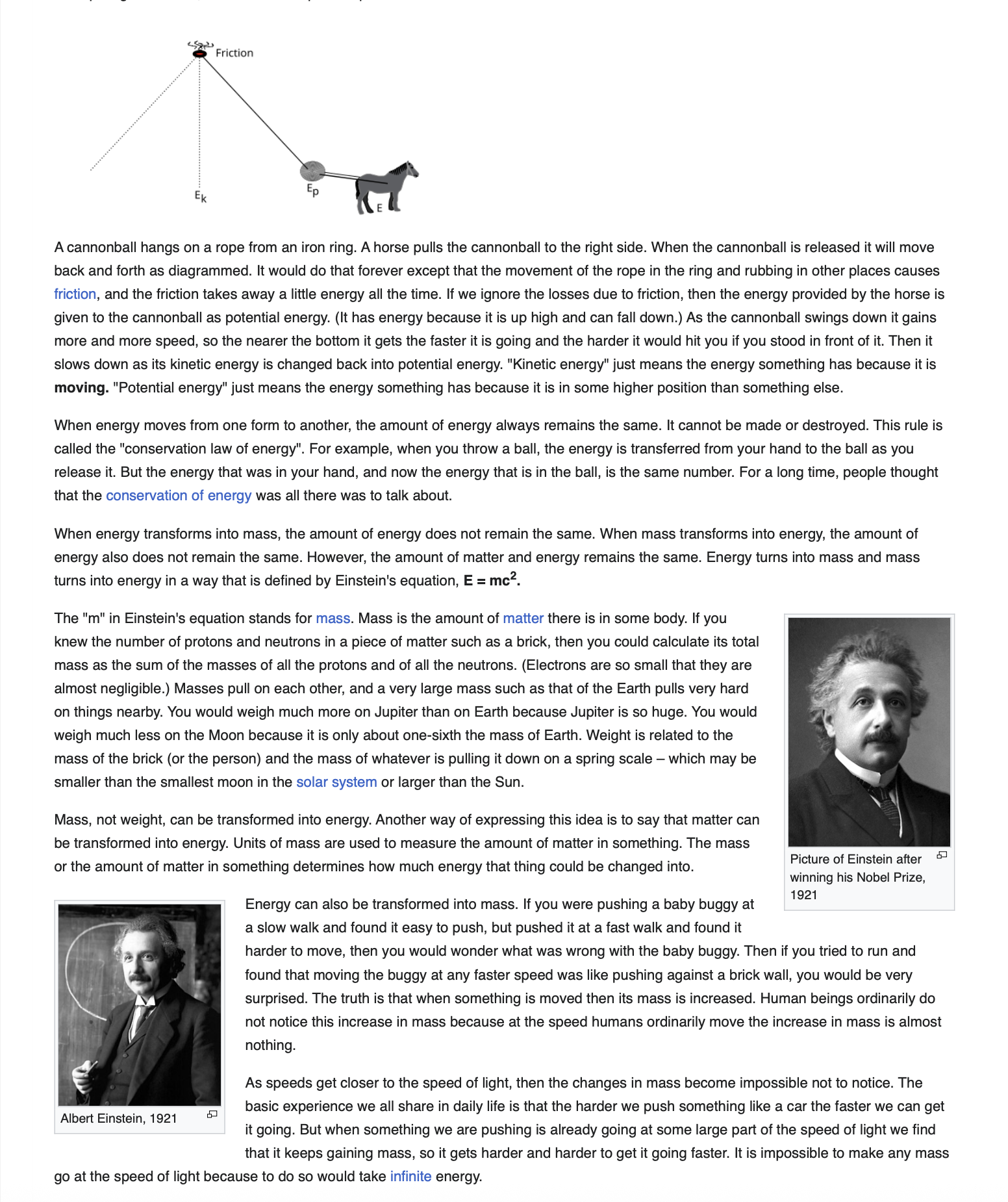
Keep the full page in one PDF—no page breaks, readable layout, selectable text.
Add to ChromeOne continuous PDF · No uploads—your content stays on your device.
BUILT IN YOUR BROWSER
Save the pages other PDF tools miss, break, or can’t access.
THE PROBLEM
My PDF is split into multiple pages when I need the whole page in one piece.
Save the full page as one continuous PDF.
THE PROBLEM
URL converters can’t turn the pages I’m logged in to into PDFs.
Export pages directly from your signed-in browser session and read them offline anytime.
THE PROBLEM
Saving a big page takes too much time and effort.
Export long pages fast.
THE PROBLEM
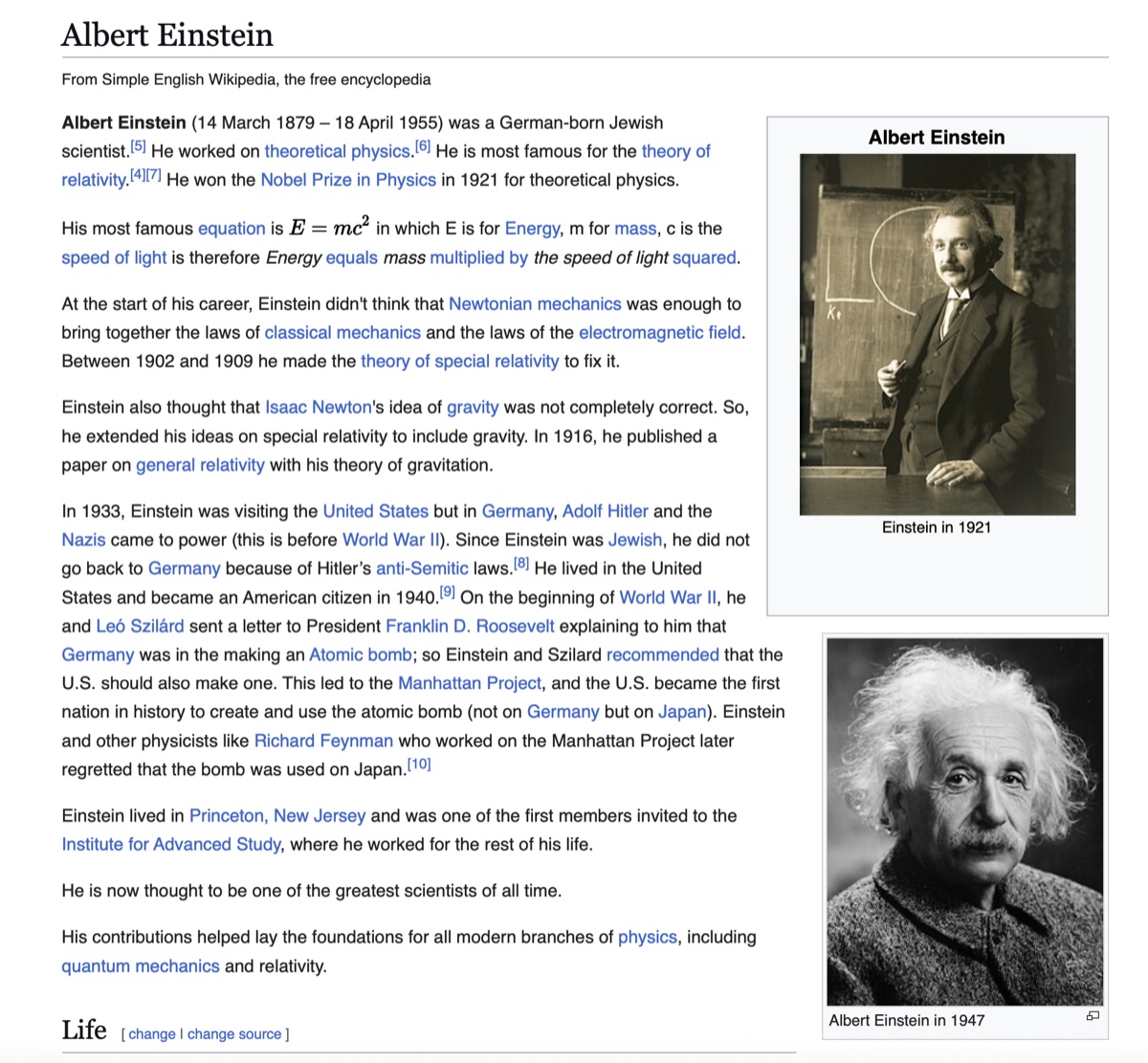
Other tools capture only part of the page, create black PDFs, or make the text unreadable.
Capture the complete page with its formatting, layout, and readability intact.
MORE CONTROL
Choose what stays. Set how it saves.
HOW IT WORKS
FAQ
Download webpage as PDF helps save long or complex pages that normal printing can cut off, split awkwardly, or render incorrectly. Use it when you need to download a web page for offline reading, sharing, or archiving.
Before export, the extension can hide common floating elements, including banners, chat widgets, cookie notices, and similar blocks.
Yes. You can hide selected page blocks, such as a sidebar or recommendations, and restore them before export.
Yes. You can choose paper size, orientation, margins, headers and footers, and either a one-continuous-page or multi-page PDF layout.
Usually. The extension creates a PDF, not a screenshot, so text can be selected and searched when Chrome preserves it in the document.
Yes, on supported HTTP(S) pages already open in your current tab. The extension creates the PDF from the page you see. Chrome does not allow extensions to work on some system and protected pages.
No. The PDF is created and processed locally on your device.
It uses Chrome's built-in capability to create a PDF from the tab you select. The connection is used only during export.
It needs this access to create a PDF from the page you choose. Access to the selected tab's content begins after your action and is used for export.
The extension uses the Chrome Debugger API to create a PDF from the tab you select and disconnects after the export is complete. This lets the extension process long and complex pages more accurately and create a high-quality, readable PDF that stays as close as possible to the original.